
Instagram Analytics Tool: How to Track Your Performance in 2026
Instagram Analytics Tool: How to Track Your Performance in 2026
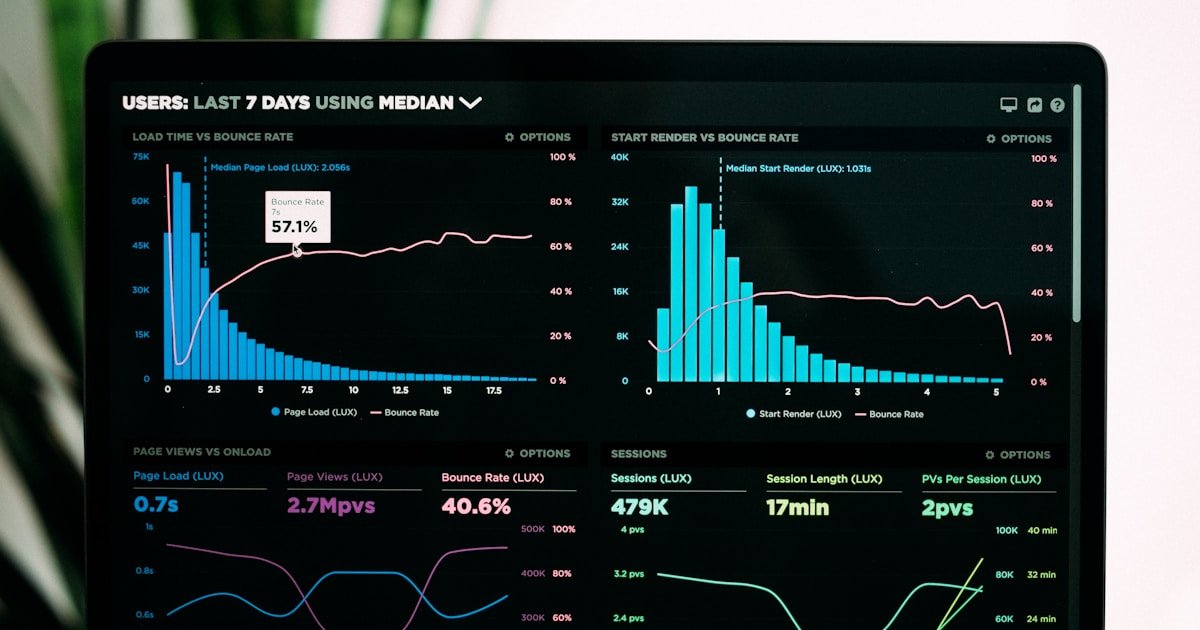
If you want to grow on Instagram, posting blindly and hoping for the best is not a strategy. You need an Instagram analytics tool that shows you what works, what falls flat, and who your audience really is. In this guide, you will learn which metrics matter, how to read them, and which tools give you the clearest picture of your performance in 2026.
Why Instagram Analytics Matter More Than Ever
Instagram's algorithm rewards content that generates genuine interaction. Without analytics, you are guessing which posts resonate and which ones get buried. An Instagram analytics tool removes the guesswork by showing you concrete numbers: how many people saw your content, how they interacted with it, and whether your audience is growing or shrinking.
In 2026, Instagram merged impressions into a single "Views" metric that counts active engagement rather than passive scrolling. This shift means surface-level vanity metrics are less useful than ever. You need deeper insight into reach, engagement rate, and audience demographics to make smart decisions.
Key Metrics Every Instagram User Should Track
Before you pick a tool, you need to understand the numbers you are looking at. Here are the metrics that actually move the needle:
If you want a detailed breakdown of how engagement rate works and how to improve yours, check out our Instagram engagement rate guide.
How to Use Instagram's Built-In Insights
Instagram offers free analytics through its native Insights feature, available to Business and Creator accounts. Here is how to access it:
The Overview section shows accounts reached, content interactions, and total followers over a period you can set from 7 to 90 days. The Content tab lets you sort your posts, Stories, and Reels by impressions, reach, or engagement. The Audience tab reveals demographics like age range, gender, top cities, and countries.
What Native Insights Can and Cannot Do
Native Insights are a solid starting point. You can see which posts performed best, when your followers are most active, and where they are located. However, they come with real limitations:
For most casual users, native Insights are enough. But if you are serious about growth, you will need a dedicated Instagram analytics tool that goes deeper.
Choosing the Right Instagram Analytics Tool
The market is crowded with analytics platforms, each with different strengths. Here is what to look for:
If you want to understand who engages with your profile the most, use the Instagram analysis tool on hlms.app to see detailed interaction patterns and find out which followers pay the most attention to your content.
How to Read Your Analytics and Take Action
Numbers are useless if you do not act on them. Here is a simple framework for turning data into growth:
Step 1: Identify Your Top-Performing Content
Sort your posts by engagement rate over the past 30 days. Look for patterns. Do carousels outperform single images? Do Reels with text overlays get more saves? Double down on the formats that work.
Step 2: Check Your Audience's Active Hours
Post when your followers are online. Your analytics tool will show peak activity times broken down by day of the week. Posting during these windows gives your content the best chance of appearing in feeds.
Step 3: Monitor Follower Growth Trends
A sudden spike in followers after a specific post tells you the algorithm pushed it to a wider audience. A drop might signal that your recent content is not resonating. Track this weekly and adjust your content mix accordingly.
Step 4: Compare Saves vs. Likes
Saves indicate that someone found your content valuable enough to revisit. A post with a high save-to-like ratio is performing well for the algorithm, even if the raw like count looks modest. Prioritize creating content that people want to save.
For a broader look at how follower analysis works and what you can learn from it, read our Instagram followers analysis guide.
Common Mistakes When Using Instagram Analytics
Even with the best tools, people make errors that lead to poor decisions:
Turn Your Data Into Growth
An Instagram analytics tool is only as valuable as the actions you take with it. Start by understanding the key metrics, check your native Insights to establish a baseline, and then move to a dedicated tool when you are ready for deeper analysis. Track your engagement rate, study your audience, and refine your content strategy based on what the numbers tell you.
If you want to go beyond standard analytics and discover who interacts with your profile the most, analyze your Instagram followers with hlms.app. It reveals the people behind the numbers — so you know exactly who is paying attention.