Instagram Highlights Viewers: Who Views Them and What It Reveals
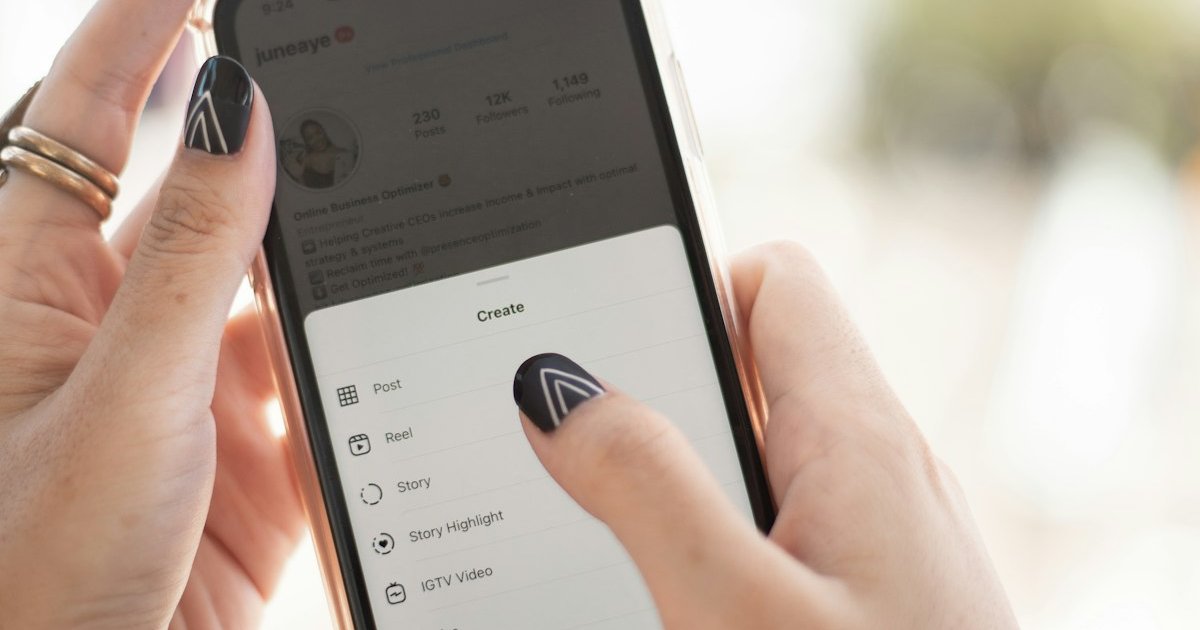
Instagram Highlights sit right below your bio and give visitors a curated look at your best Stories. Unlike regular Stories that vanish after 24 hours, Highlights stay on your profile indefinitely. But the big question remains: can you actually see who views your Instagram Highlights? The short answer is yes, but only within a narrow time window. In this guide, you will learn exactly how it works, what the limitations are, and what those views might tell you about who is paying attention to your profile.
How Instagram Highlight Viewers Work
When you add a Story to a Highlight, Instagram keeps the original viewer list intact for 48 hours from the moment the Story was first posted. That countdown starts at the Story's publish time, not when you move it into a Highlight.
During that 48-hour window, you can see the full list of people who watched the Highlight, along with the total view count. After those two days pass, Instagram permanently removes the viewer data. There is no archive, no delayed access, and no setting to extend the window.
This means that if someone watches your Highlight three weeks after you posted the original Story, their view is completely anonymous. You will never know they watched it.
How to Check Who Viewed Your Highlights
Checking your viewer list is straightforward while the window is open:
This works on both iOS and Android. On desktop, the process is similar: go to your profile on instagram.com, click the Highlight, and look for the viewer count at the bottom.
Keep in mind that the list only shows individual viewers. Instagram does not track how many times the same person viewed your Highlight, whether they took a screenshot, or how long they spent watching.
What Happens After 48 Hours?
Once the 48-hour window closes, the viewer list disappears completely. Even though the Highlight stays on your profile for months or years, any new views after that initial period are invisible to you.
This is a deliberate privacy feature. Instagram wants people to feel comfortable browsing Highlights without worrying that the creator will see their name pop up weeks later. For creators and anyone curious about their audience, it means you need to check your viewer data promptly after posting.
What Highlight Views Can Reveal About Interest
While a single Highlight view does not mean much on its own, consistent patterns of engagement can tell a story. If the same person repeatedly appears in your Story and Highlight viewer lists, that sustained attention could signal genuine curiosity or interest in you.
Here are some patterns worth noticing:
Of course, viewing patterns alone are not proof of romantic interest. Context matters. But if you are curious about who consistently engages with your content, tools like hlms.app's Instagram analysis can help you identify your most active followers and spot interaction patterns you might miss on your own.
Highlights vs. Stories: Key Differences for Viewers
People often confuse Highlight and Story viewer data. Here is how they differ:
The important takeaway is that the viewer list window is tied to the original Story's post date, regardless of when it becomes a Highlight.
Can Someone View Your Highlights Anonymously?
Yes, and it is easier than most people realize. Any Highlight older than 48 hours can be viewed with complete anonymity. Instagram simply does not record viewer data beyond that window.
For Highlights within the 48-hour window, the only way to view anonymously is through a different account or third-party tools. But keep in mind that many third-party viewer tools violate Instagram's terms of service and could put your account at risk.
If you are concerned about privacy and want to understand who is checking your Instagram profile, focus on the engagement signals that Instagram does provide rather than chasing anonymous views.
Tips for Getting More From Your Highlights
Since the viewer window is so short, here are some practical tips to make the most of your Highlight engagement:
What Highlight Viewers Tell You About Your Audience
Beyond individual interest, Highlight viewer patterns can help you understand your broader audience. Which topics get the most views? Which Highlights do people skip? This data, combined with tools like hlms.app for deeper Instagram analysis, helps you create content your audience actually wants to see.
If you notice that someone keeps appearing as a secret admirer across your Stories and Highlights, it might be worth reaching out. Sometimes the most interested people are the quietest viewers.
Final Thoughts
Instagram Highlights are more than a profile decoration. They are a window into who cares enough to explore your content beyond the feed. While the 48-hour viewer limit means you need to act fast, the patterns you spot during that window can be revealing.
Pay attention to consistent viewers, combine that data with your overall engagement patterns, and use hlms.app to get a complete picture of who is truly interested in your Instagram presence. Sometimes the person watching every Highlight is the one worth noticing.